Skip to content

Post magazine on greenscreen.

  • by

In late July, we released Primatte Chromakey 3.5, a terrific update for using our greenscreen masking tool in Adobe Photoshop CS5 and 64-bit native operation. Also in July, a terrific article appeared in Post magazine about how to set up for greenscreen. The article is ‘The Keys to Shooting Greenscreen’ and it’s written by one of my favorite industry writers, Randi Altman, who is also Post’s editor.

Randi’s topic is really about greenscreening for video and film (with specs like HDCAM and 35mm/24fps) since Post is a broadcast media publication. However, her sage advice is completely applicable to working with photographs and other still images.

In fact, the subtitle of the article is exactly the mantra that we tell our Primatte Photoshop customers: “Give yourself enough time, light it right and plan ahead.”Post magazine on greenscreen.

Teaching Creativity

Excellent blog post on Fast Company’s web site called Death of Creativity = Death of Innovation. It brings up some excellent points about creativity and how the teaching of it is getting pushed out of… Teaching Creativity

Piracy

I recently ran into a friend who mentioned she’d just bought a $1000 lens for her relatively new DSLR. She then proceeded to ask me if I could get her a copy of Photoshop CS5.… Piracy

Altered photos in the news.

  • by

My household gets a delivery of The Economist magazine. Sometime I only skim a few pages but I always think of this publication as a resource for straightforward, accurate, apolitical news reporting.

Same with Reuters, a news outlet known for running its photographs unedited. No use of Photoshop is allowed to alter the image or change its intended meaning.

A story today in Media Decoder questions a Reuters photograph used by The Economist in its June 19 issue. The photo shows President Obama standing alone in front of the Gulf of Mexico, head down as if in contemplation. It’s a striking image on that mid-June cover, and one that inspired me to flip more closely the magazine a few weeks ago.

Altered photos in the news.

Beauty Box Photo is a Smash!

Beauty Box Photo has been out for only a few weeks now but we’re really excited by the response from people and the press about it. Angie Taylor gave a great review on her blog, Creative Pro Therapy, as well as Diane Berkenfeld on her blog, Picture-Soup.com.

The example above shows one before/after image with only a little skin correction needed. The example below shows a more extreme example of skin smoothing. The plugin is great for both kinds of situations because it always gives a natural look.Beauty Box Photo is a Smash!

Toonit! Photo 2.6 – 64bit/CS5 Update Released!

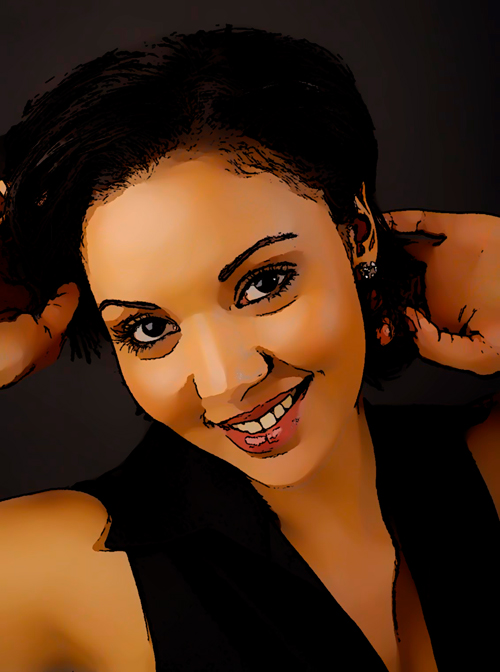
We are so happy and excited to announce the releasing of Toonit! Photo 2.6 which is compatible with 64bit and CS5! The best part about it; it’s FREE if you already own the product. Go to this Update Page to get the instructions on how to do a fresh install. If you haven’t purchased Toonit! you can now get it for $89 until July 18!

After Toonit! Photo has been applied.

(After Toonit! Photo has been applied)

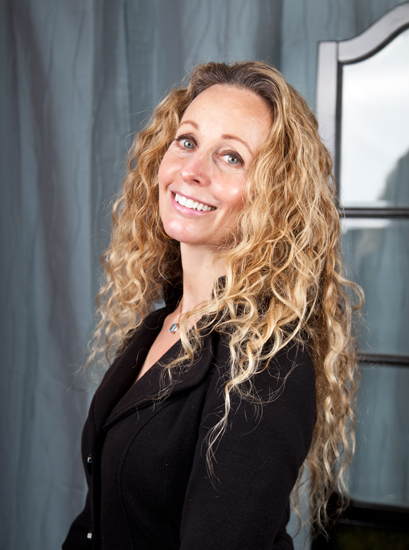
Original image before Toonit! Photo is applied.

(Original image before Toonit! Photo has been applied)

This is just the first in many more 64bit and CS5 updates to come. Here’s are run down of when you can expect these updates for our other products:

Toonit! Photo 2.6 – 64bit/CS5 Update Released!

Good Design. Bad Design.

  • by

Still in design mode as we revamp our Digital Anarchy website, here is a comparison of good and bad design techniques. Two designers give their opinions and share easy to fix mistakes that can turn bad website design around.

In the first article, The 10 Most Common Mistakes Web Designers Make, the Author talks about, “with a little diligence, poor design can be easily avoided.” My favorite one, which is #1, talks about busy, crowded pages. There’s nothing worse then going to a website and not being able to find what you are looking for.

Good Design. Bad Design.

Pose and Compose

  • by

Are you ever in a situation with a model or subject and can’t get the perfect position out of them? If yes, then this is your luck day. I came across a great article that gives 10 top portrait tips to help you capture the uniqueness of your subject.

One that I found interesting is #9.“DO make sure to separate the arms from the waist. Arms flat against the side of your subject create the illusion of a very wide waist.” Or you can always adjust for that in Photoshop ;)

Pose and Compose